
Your first session
Use this order every time you start with a new chart. It makes the live state obvious before you place risk.
Confirm the chart
Check the symbol and timeframe. Market orders and chart drawings belong to the current chart symbol.
Review settings in use
Open Settings and confirm the highlighted source: Built-in defaults, Custom, or a named preset.
Choose risk before direction
Decide whether risk is a balance percentage, money amount, or fixed lot size.
Prepare, inspect, then send
Use Buy, Sell, or P. to create a draft. Inspect every value and press Send only when the plan matches your intention.
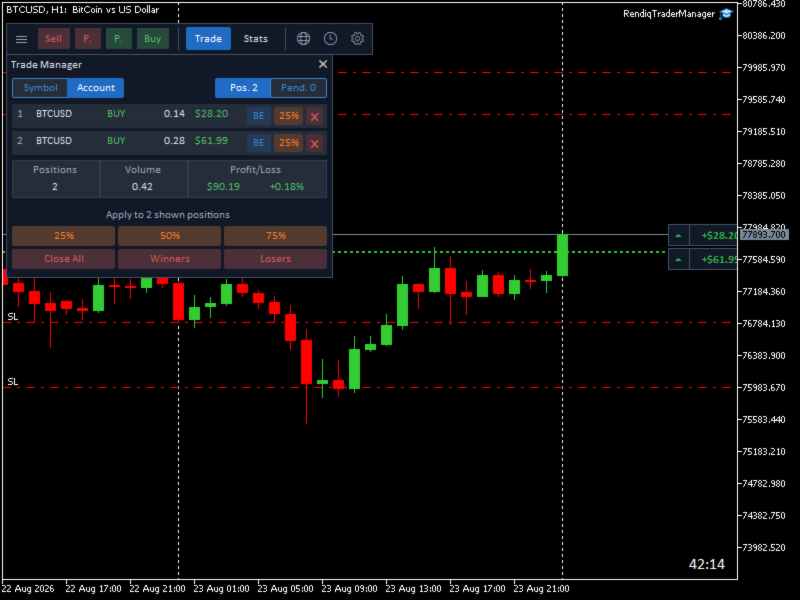
The simple mental model
| Area | What it means | Your deliberate action |
|---|---|---|
| Order draft | Planning only. Lines and values can still be changed. | Press Send to submit. |
| Settings form | Editing only. Live behavior has not changed yet. | Press Apply. |
| Loaded preset | Values copied into the form for review. | Press Apply to use them on this chart. |
| Trade view | The exact positions currently displayed. | Bulk actions affect this displayed set. |
Rendiq Trade Manager checks and organizes the values you provide, but it cannot predict market gaps, slippage, rejected broker requests, connection loss, or future price movement. Always verify the broker confirmation and the resulting position.
Version and scope
This guide documents the workflows, settings, checks and messages of Rendiq Trade Manager. It explains what the application is designed to do; it is not a certification of every broker, account type, symbol specification, or market condition.
| Documented in this guide | Still depends on your environment |
|---|---|
| Rendiq Trade Manager control flow, settings ownership, risk checks, views, and failure reasons. | Broker permissions, volume and stop rules, fills, margin, connection, and available symbol data. |
| News WebRequest host and Sessions timeframe requirement. | Internet availability, external feed availability, broker-server time, and chart data. |
Where to go next
Place orders confidently →
Risk modes, market and pending drafts, R/R, dragging, locks, and Send.
After entryManage open positions →
Selection, break-even, partial close, individual close, and bulk actions.
Personal setupUnderstand settings and presets →
Exactly what Apply, Load, Save as preset, Reset, and Delete do.
Fast answersFix a problem →
Clear answers for missing news, blocked orders, inactive buttons, and more.